WatchGuard Secure Wifi Videos
The Six Known Wi-Fi Threat Categories Leaving Your Business Vulnerable

In a world with growing open Wi-Fi networks, Wi-Fi hackers are able to not only steal personal information but also spread malware to computers on the network, costing your businesses millions. Simply put, the Wi-Fi system that you installed years ago is no longer adequate. As you face the responsibility of evolving your Wi-Fi networks, you’re finding that many vendors do not enable you with the right products. WatchGuard is the only company that offers a framework for building a complete Wi-Fi network that is fast, easy to manage, and most importantly, secure.
Rogue Access Point

Allows attackers to bypass perimeter security.
Rogue Client

Delivers malware payloads to the network after connecting to malicious APs.
Neighbor Access Point

Risks infection from connecting to other SSIDs while in range of the authorized AP.
Ad-Hoc Network

Uses peer-to-peer connections to evade security controls and risk exposure to malware.
“Evil Twin” Access Point

Lures users to connect to it so as to spy on traffic, steal data and infect systems.
Misconfigured Access Point

Opens networks to attack as a result of configuration errors.
Every Known Wi-Fi Threat Category Can Attack Your Business All At Once
Crowded places like conference centers, train stations, airports, and concerts are perfect places for a hacker to take advantage of any and all Wi-Fi attack vectors.
Create a Secure Wifi Videos with WatchGuard
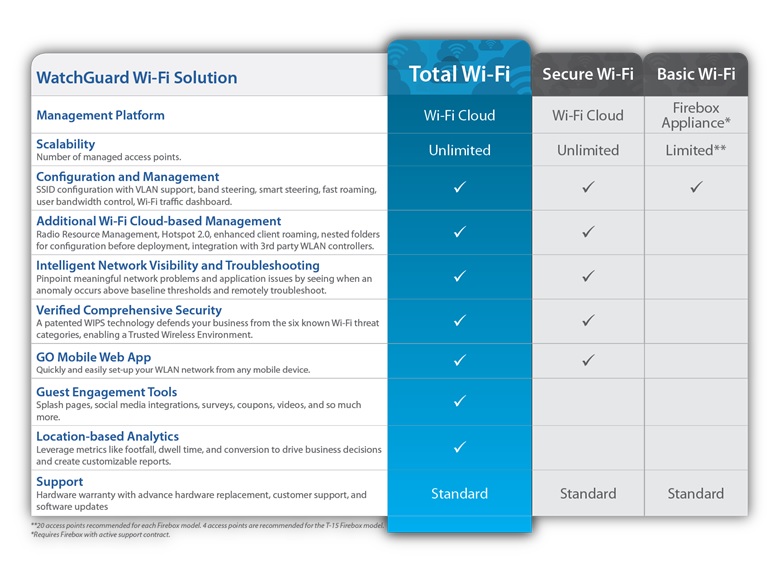
With WatchGuard Wi-Fi Cloud and WIPS (Wireless Intrusion Prevention System), it is easy to quickly create a Secure Wifi Videos with WIPS and automatically protect your Wi-Fi network against the six known Wi-Fi threat categories.
WIPS is a collection of features that run on WatchGuard APs and Wi-Fi Cloud. You can use WatchGuard APs for both Wi-Fi access and WIPS security protection, or you can use APs as dedicated WIPS security sensors that you can deploy together with other WatchGuard APs or third-party APs and Wi-Fi controllers.
To create a Secure Wifi Videos, WatchGuard APs must have either a Total Wi-Fi or Secure Wi-Fi AP management subscription.
WatchGuard Access Point Models
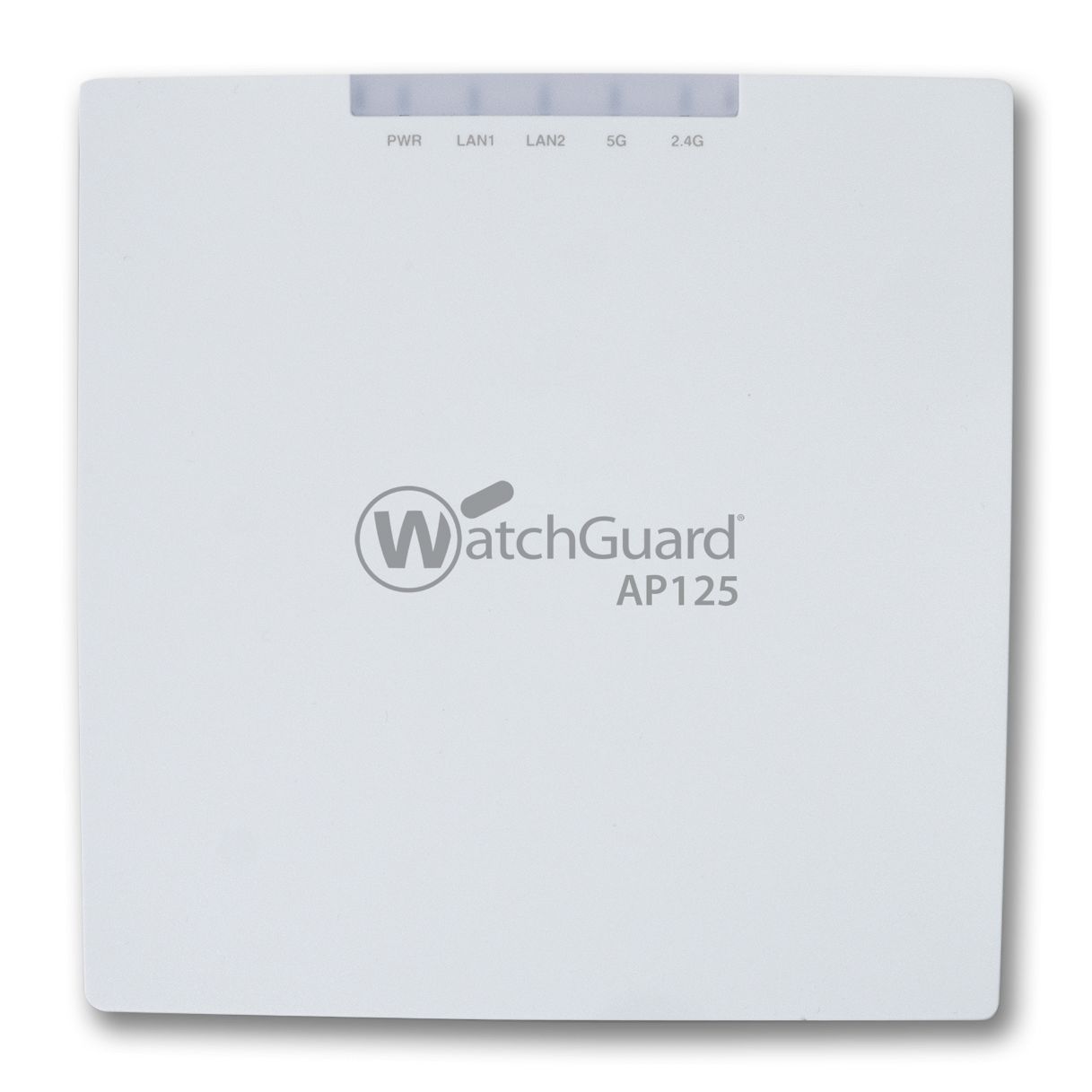 AP125 |
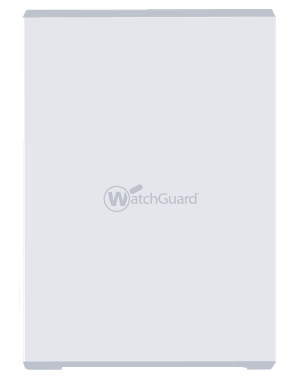 AP225W |
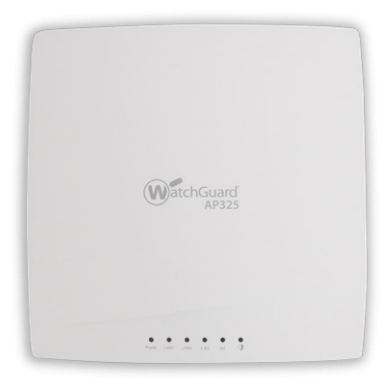 AP325 |
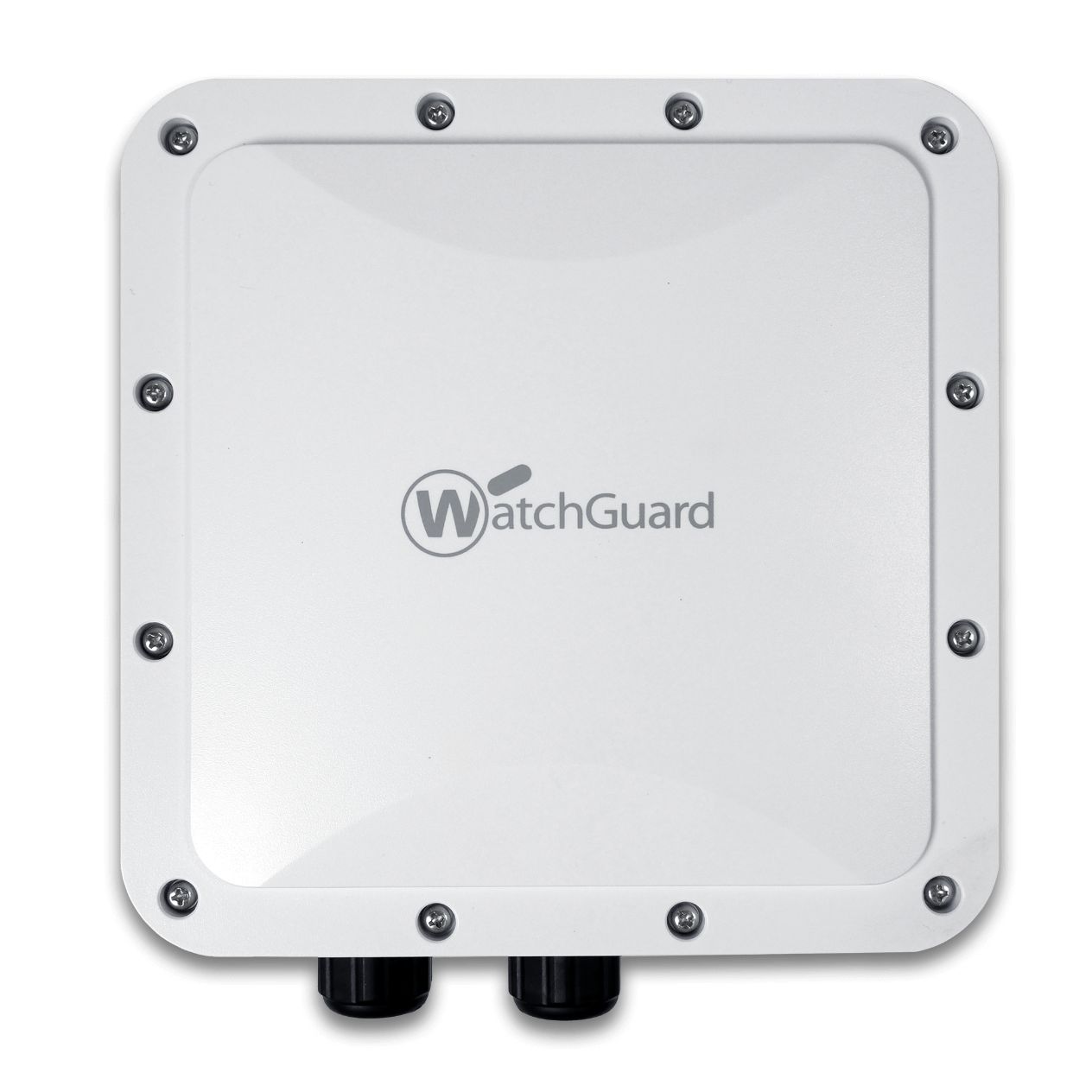 AP327X |
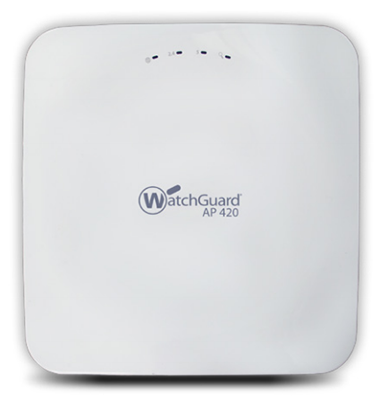 AP420 |
|
|---|---|---|---|---|---|
| Recommended Use Case | Lower-density high performance ideal for small schools, distributed remote offices, and small meeting rooms | Medium-density high performance ideal for multi-dwelling units (MDU) structures such as dorm rooms, hotels, assisted living, and military housing units. | Medlum-density high performance including K-12 schools, SMBs, restaurants | Medium-density high performance IP-67 rated rugged outdoor including school campuses, RV parks, manufacturing yards, warehouses | High-density, high performance including large schools, meeting rooms, shopping malls |
| Radios & Streams | 2x2:2 MU-MIMO Wave 2 | 2x2:2 MU-MIMO Wave 2 3rd WIPS Radio | 2x2:2 MU-MIMO Wave 2 3rd WIPS Radio | 2x2:2 MU-MIMO Wave 2 | 4x4:4 MU-MIMO Wave 2 3rd WIPS radio |
| Deployment | Indoor | Indoor | Indoor | Outdoor | Indoor |
| Number of Antennas | 4 internal | 4 internal | 6 internal | 4 N-Type External Connectors | 10 internal |
| Maximum Data Rate | 867 Mbps/300 Mbps | 867 Mbps / 400 Mbps | 867 Mbps/300 Mbps | 867 Mbps/400 Mbps | 1.7 Gbps/800 Mbps |
| Ports | 2x Gbe | 3x Gbe | 2x Gbe | 2x Gbe | 2x Gbe |
| Power over Ethernet (PoE) | 802.3af (PoE) | 802.3at (POE+) | 802.3at (PoE+) | 802.3at (PoE+) | 802.3at (PoE+) |
| Product Dimensions | 5.83"x 5.83"x 1.29" (148 x 148 x 33 mm) | 7.3"x 4.9" x 1" (186.4) 123.9x 25.5mm) | 7.72"x 7.72"x 1.69" (196x 196 x 43 mm) | 8.42"x 8.42"x 2.66" (213.9 x 213.9 X 67.5 mm) | 8.66"x 8.66"x 2.24" (220 x 220 x 57 mm) |
Need help? Chat with an industry expert right now!
Please fill out the form below or call us at 800-886-4561.